
Follow this guide if you have received an email invitation to join ChainTraced, and your company does not already have a Company Account in ChainTraced.
Invitation email
Email will be from (sender: hello@chaintraced.com)
If you cannot find the e-mail invitation
-
Check "Junk" inbox.
-
Contact your IT responsible to ensure that the domain chaintraced.com is not blocked.
-
If you still cannot find the email, contact Chaintraced at hello@chaintraced.com for support.
-
If a contact person at a customer or supplier (counterparty) has invited you to join ChainTraced, you should have received an invitation email.
-
The email contents will contain information about the user from the counterparty who invite you to join ChainTraced , company information, a unique CTN number of the company and a brief message.
-
Click on the Create account button to start creating your account within ChainTraced.
Create User Account
After clicking the Create account button in the email, you will be directed to ChainTraced site to create an account.
-
Fill the form with your Name credentials and view and accept the Terms and Conditions
-
Click Sign up button to complete the account registration.
-
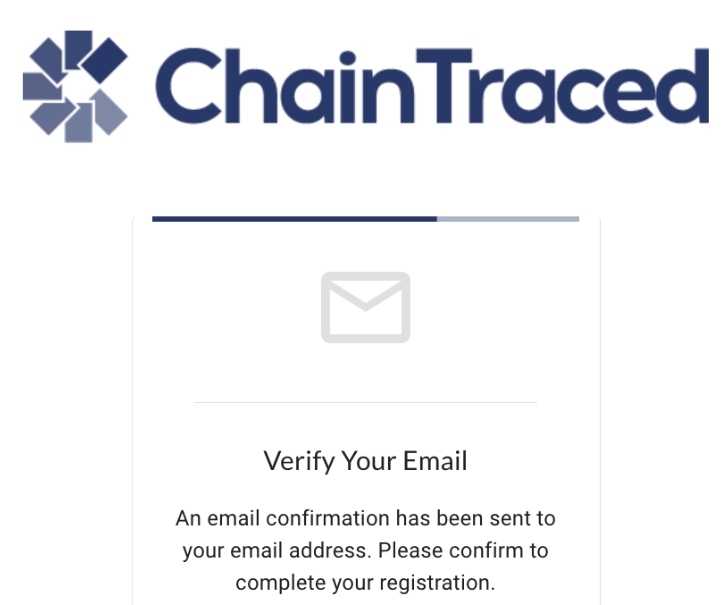
After the sign-up button is clicked, a verification email is sent to your email address.
-
Open the link in the email to verify your email address.
-
After clicking Verify Email button, you will be redirected back to ChainTraced to continue setting up a password for your account.
Create Company Account
After you have created your user account with password, the next step is to create a new company account.
This step is only necessary if your company does not already have an account in ChainTraced. If you are not sure about this, check within your company if a company account already exists. The account is likely to be managed by a quality or sustainability representative.
Login to ChainTraced if you are not already logged in.
Create the account by filling in the Company Name and Country as minimum information. The address can be filled in and will be printed on generated pdf:s and other forms when applicable. The address can be filled in or changed later in Company Settings.
Consent to be the owner (superuser) of the created Company in ChainTraced.
Connection to Counterparty
When the Company is created, a counterparty will be automatically created and connected to the Company from which you received the invitation.
You will find any open requests from this Counterparty in your Part Approval or Lot Approval Customer Records if the Counterparty is a customer. If the inviting counterparty is a supplier, you might find Lot or Part Approvals in your Supplier Records.