
Tags can be added to all Supplier and Customer records for both Part Approvals and Lot Approvals.
You can use tags to filter list views to only show records with a specific tag or tags, or to exclude records with a given tag.
To add a tag to a record, open the record and click the Edit tags button.
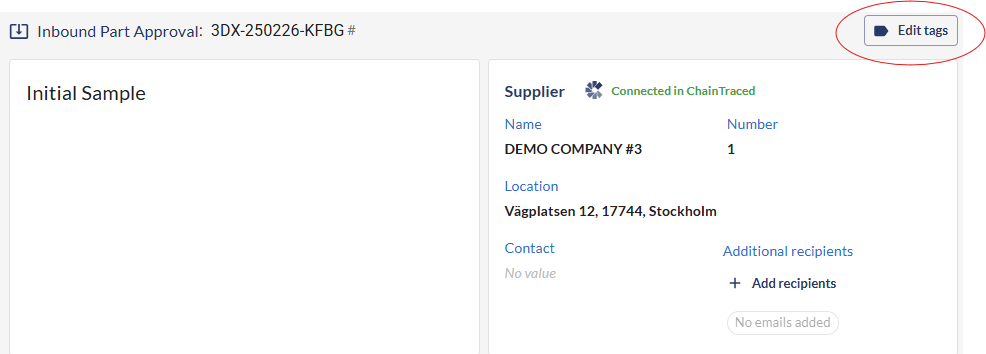
From here, you can add one or more tags which are already created for you company.
New tags can be added by a company Owner by typing the name of the new tag and click Enter. This will create a new tag that can be used by all users for all records.